Connect Suggix to Zapier to automate feedback and changelog workflows.
The Suggix Zapier API lets you use feedback activity in Zaps and send information from other apps into Suggix. Use the trigger endpoints to watch for new posts, new comments, and post status changes. Use the action endpoints to create a post or publish a changelog entry.
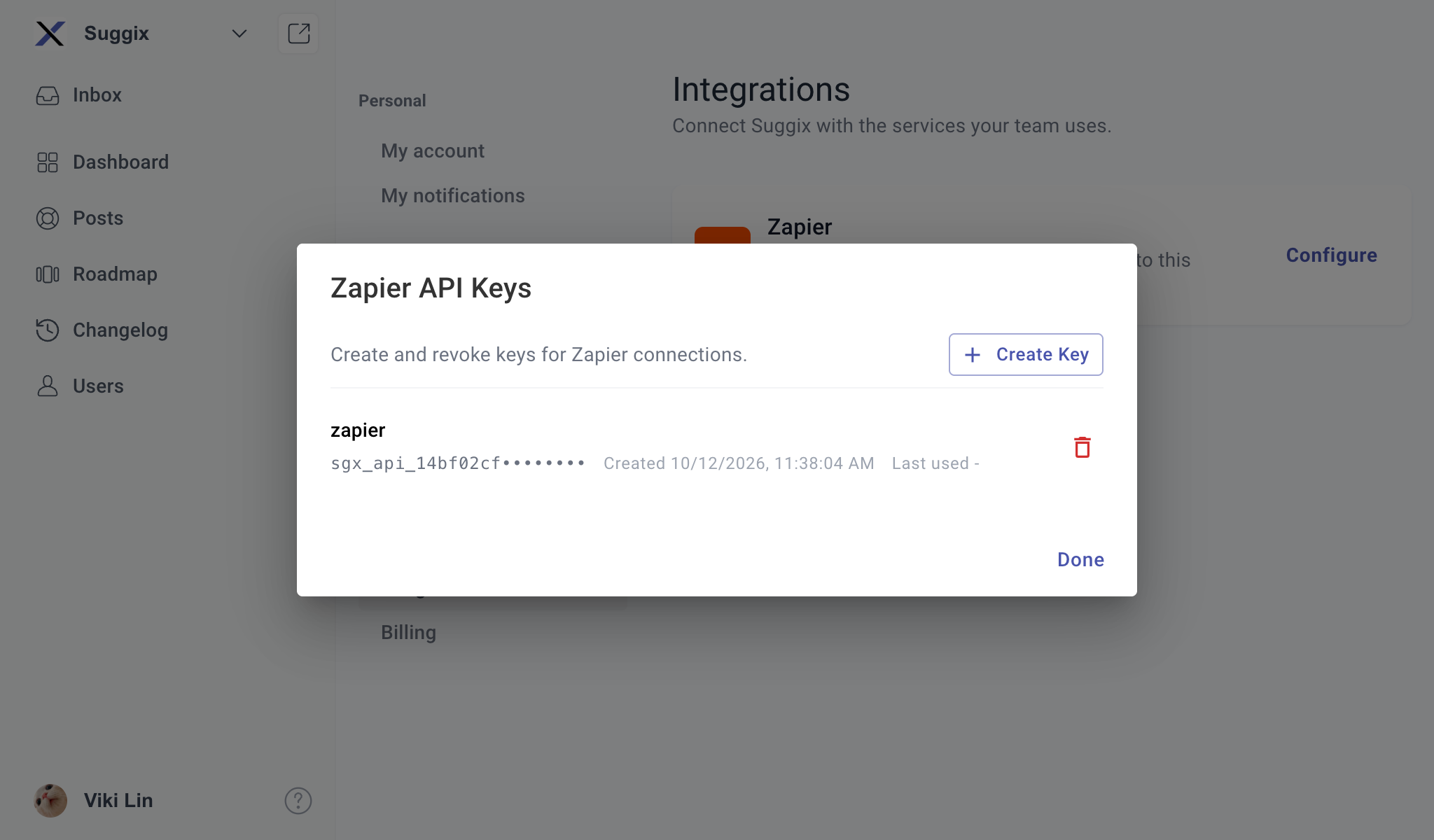
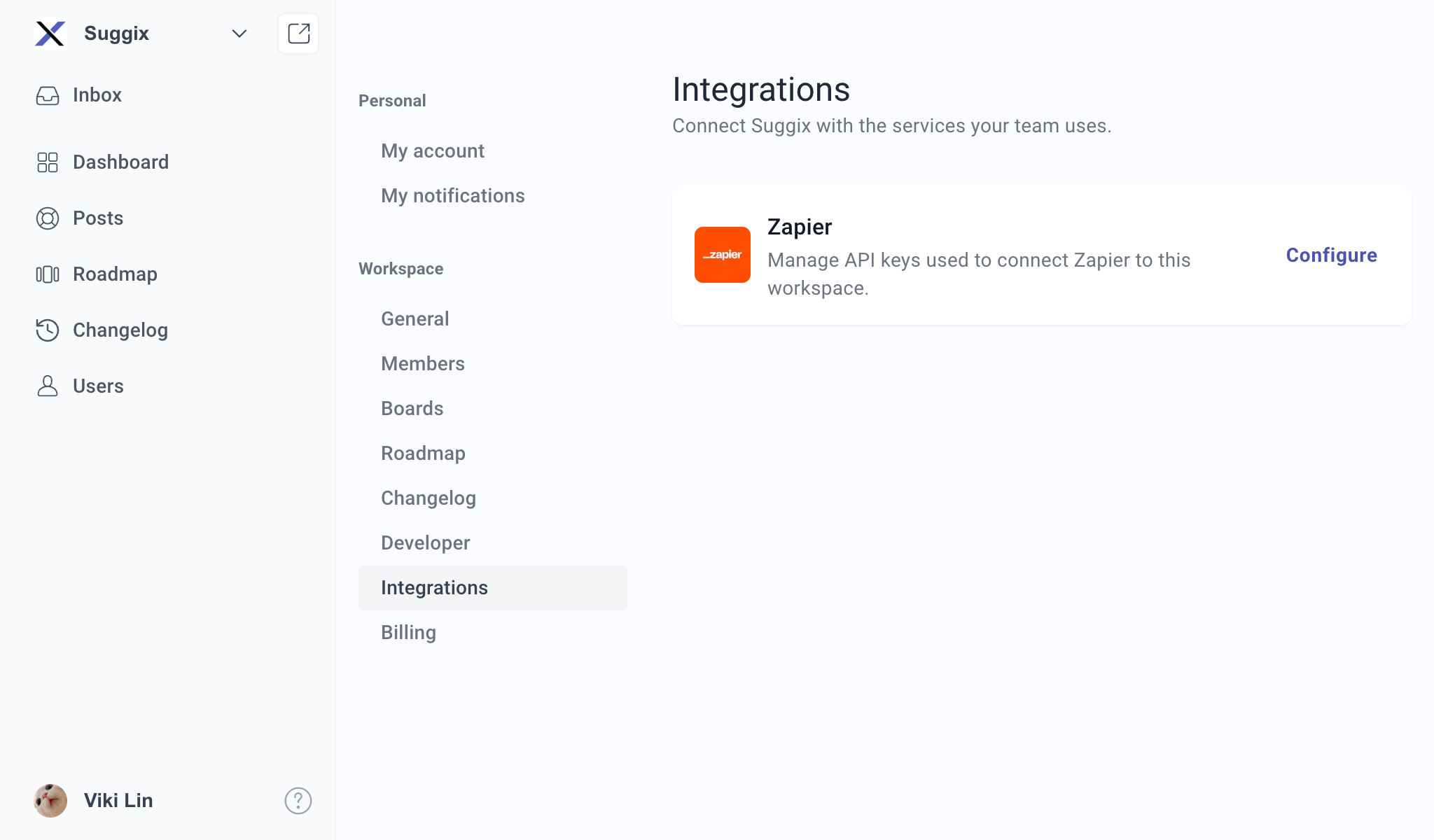
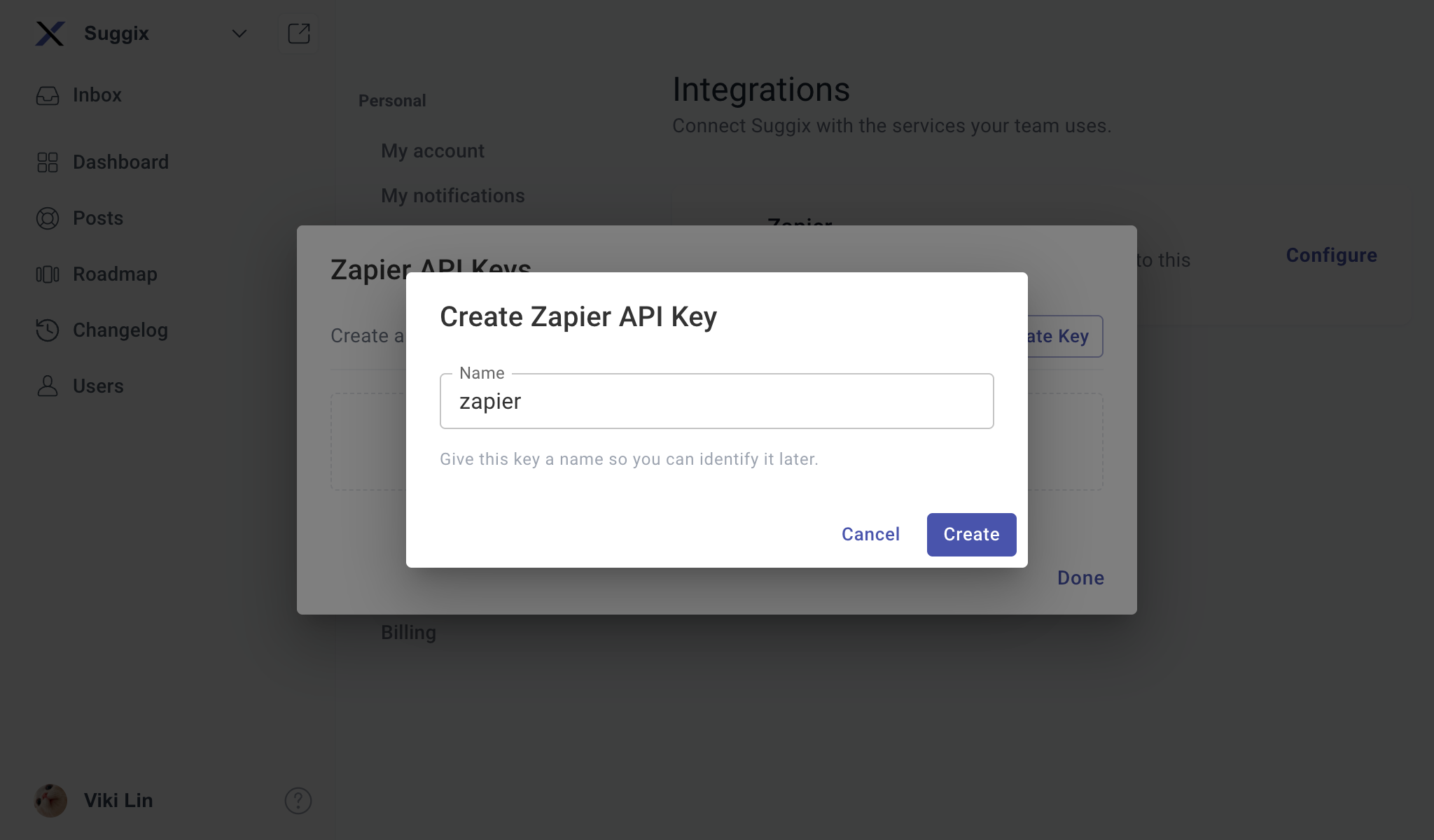
Open Integrations in your Suggix workspace, choose Zapier, then select Create Key. Enter a name to identify the connection, create the key, and copy it to a secure place. The key begins with sgx_api_.After creation, the key list shows its name, masked prefix, creation time, and last-used time. You can revoke keys you no longer need.
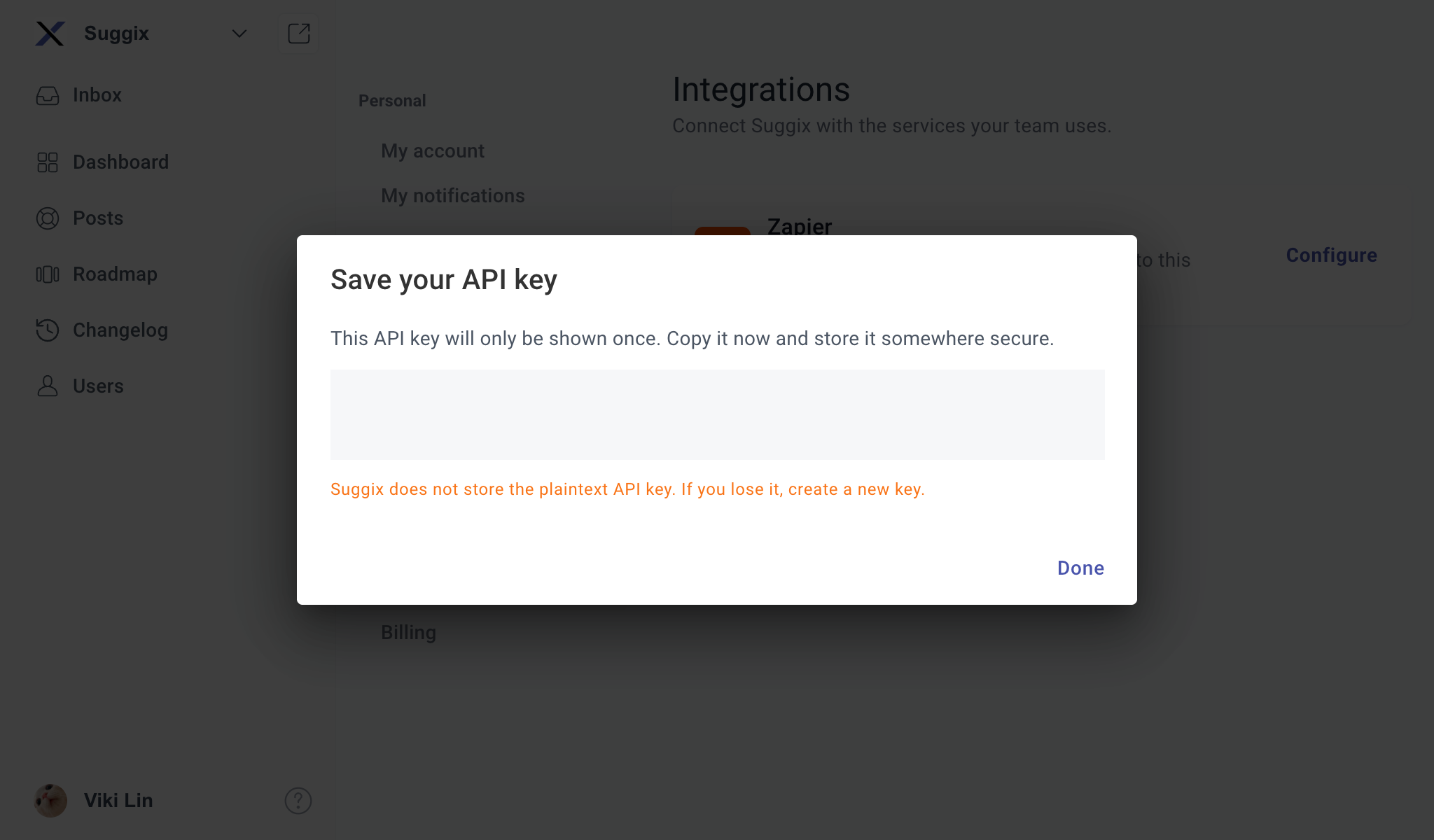
Suggix shows the full API key only once. The key is a credential for its workspace: keep it private and store it securely. If it is lost, create a replacement key.
The trigger endpoints return a JSON array, ordered newest first. Each endpoint checks records from the last 30 days and returns at most 100 items. The optional limit query parameter can request between 1 and 100 items; if omitted or outside that range, the API uses 100. An empty result is [].To build a Zap, select Suggix as the trigger or action app and use the endpoint’s fields when configuring the step. For a custom API request step, use the base URL and authentication header above. The trigger endpoints accept optional filters described on their individual pages.


 After creation, the key list shows its name, masked prefix, creation time, and last-used time. You can revoke keys you no longer need.