The Posts module in the Suggix dashboard is where your team reviews incoming feedback and turns it into organized product work. Use it to triage posts, update status and priority, assign owners, apply tags, respond to users, and keep feedback aligned with your roadmap.

Posts list

Open Posts from the dashboard sidebar to view all feedback across boards. Suggix dashboard posts list The list shows:
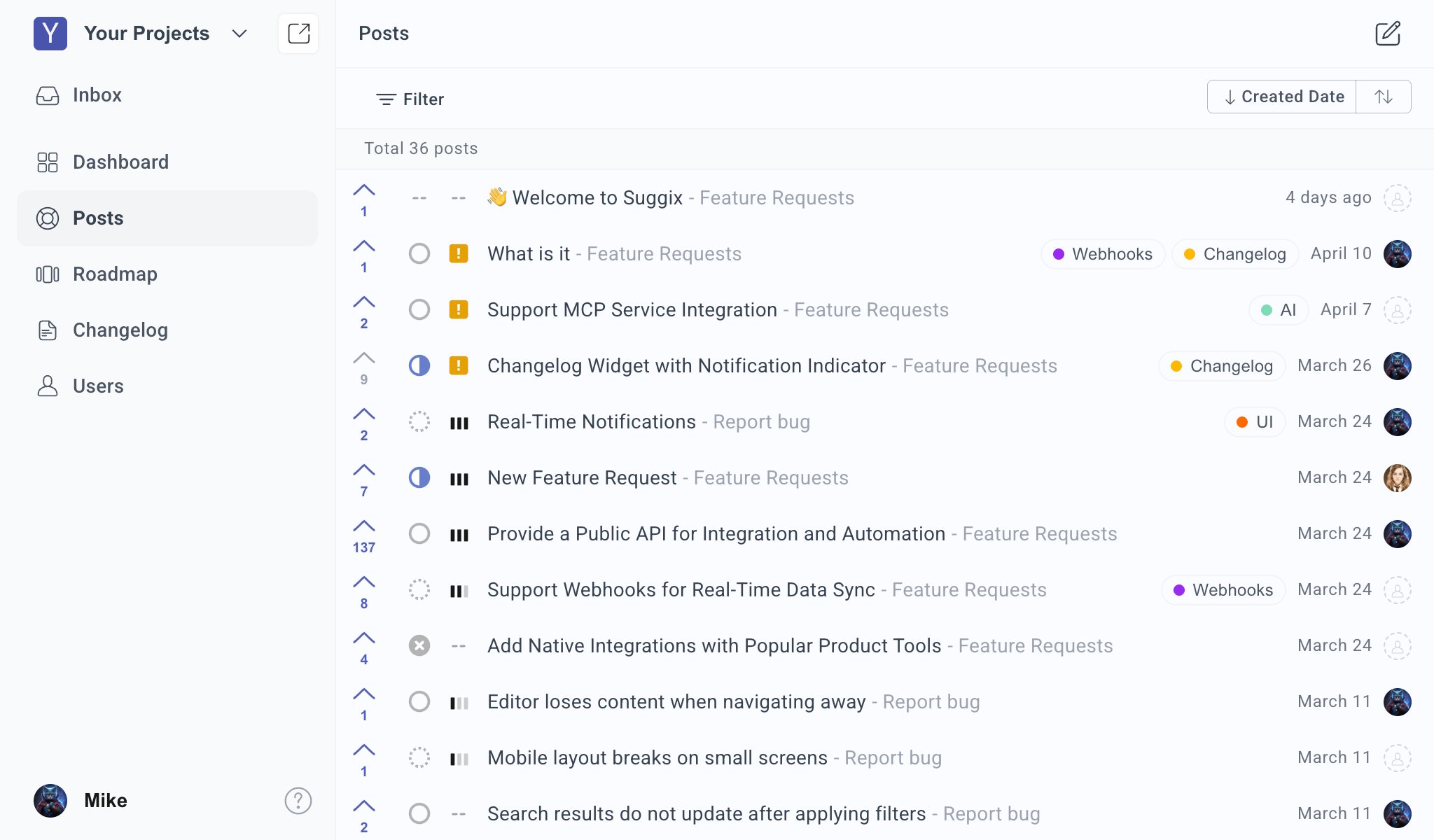
  • Vote count
  • Status
  • Priority
  • Post title
  • Board name
  • Tags
  • Created date
  • Owner or author avatar
You can sort the list by created date and change sort direction from the top-right controls.

Filter posts

Use filters to focus the list on the feedback your team needs to review. Filter posts in the dashboard Available filters include:
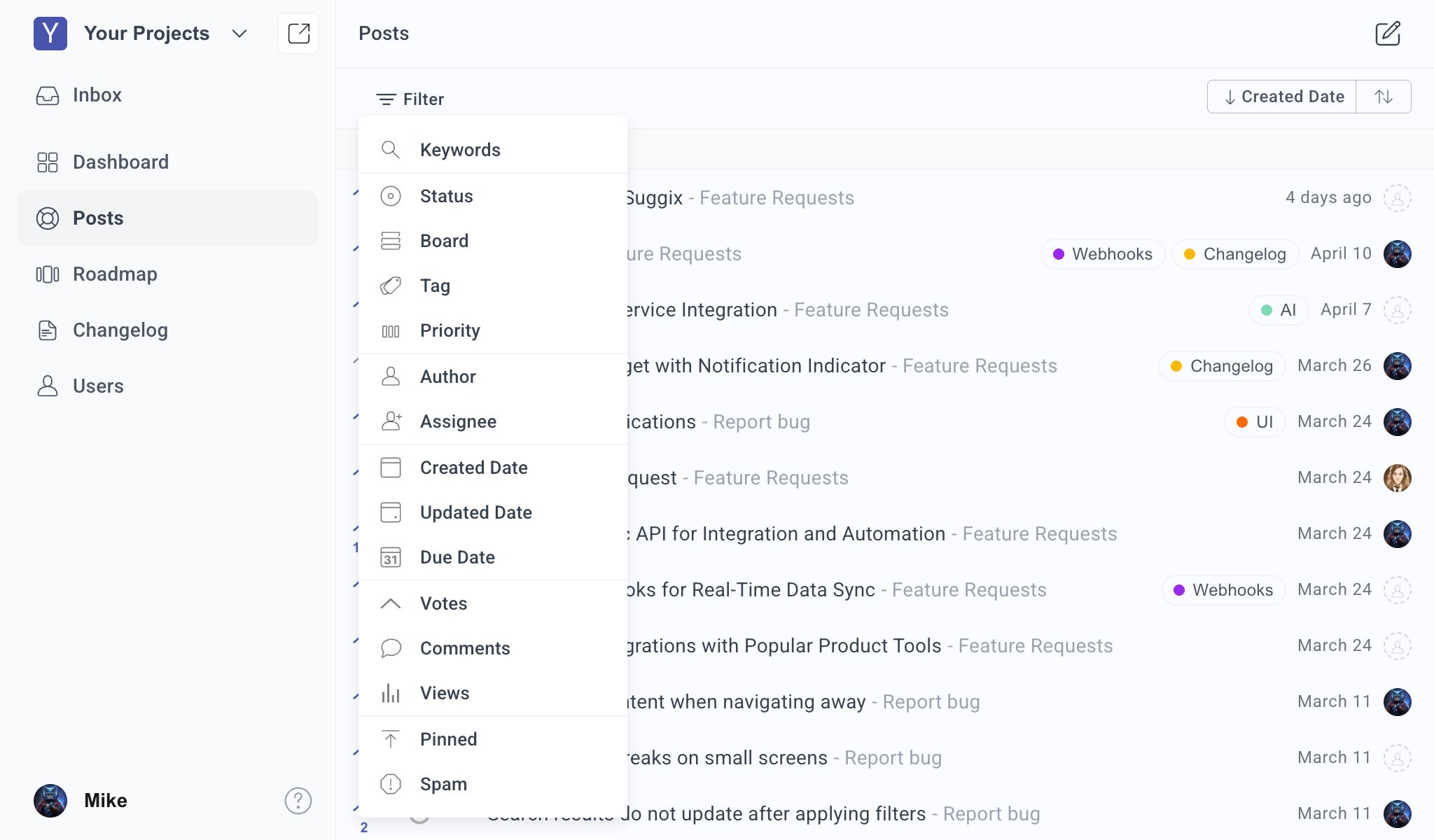
  • Keywords
  • Status
  • Board
  • Tag
  • Priority
  • Author
  • Assignee
  • Created Date
  • Updated Date
  • Due Date
  • Votes
  • Comments
  • Views
  • Pinned
  • Spam
Filters are useful for triage workflows such as finding unassigned posts, reviewing urgent bugs, checking high-vote requests, or auditing stale planned work.

Update status

Use status to communicate progress internally and publicly. Update post status from the posts list Available status values include:
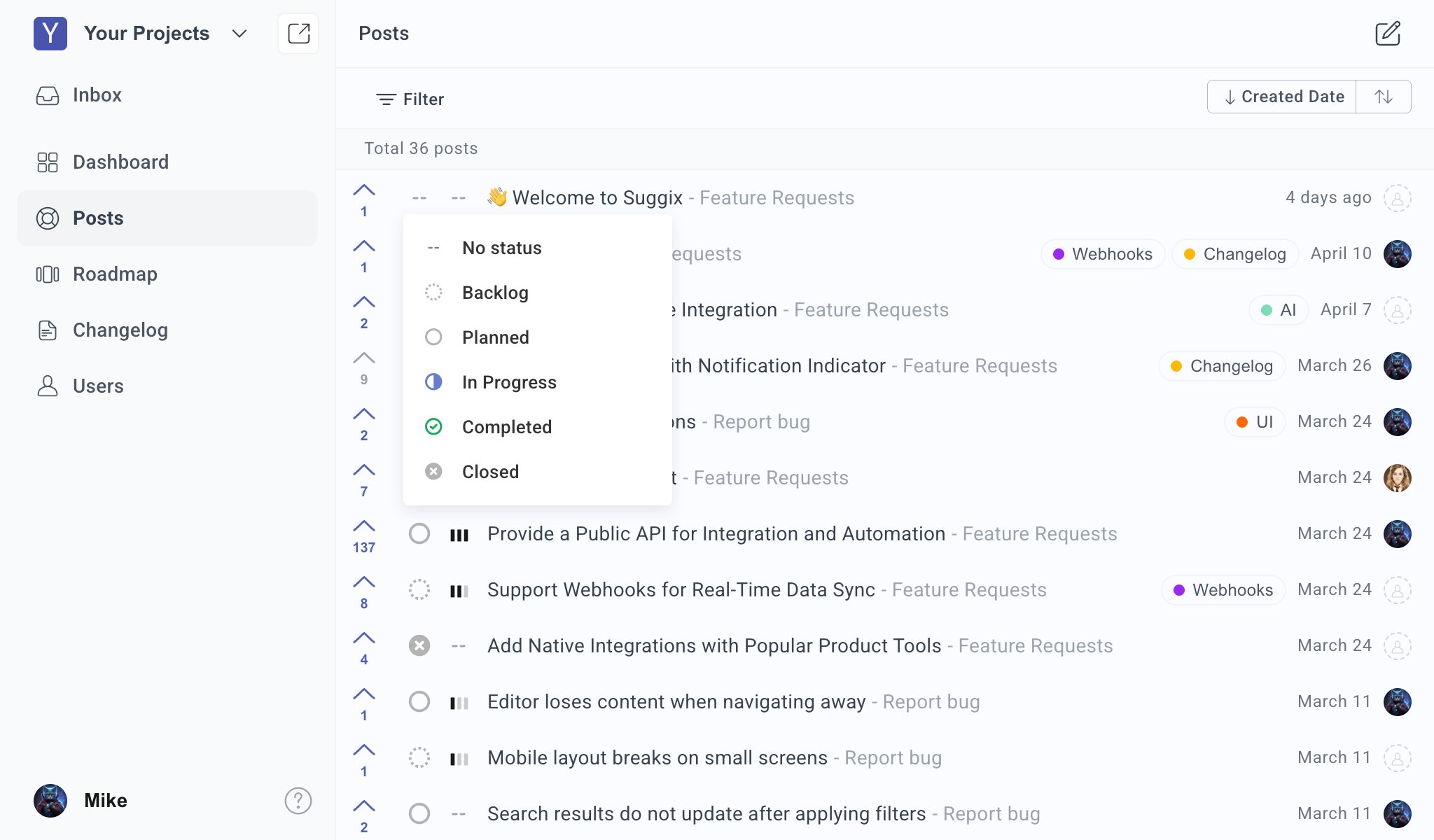
  • No status
  • Backlog
  • Planned
  • In Progress
  • Completed
  • Closed
Status changes help users understand whether feedback has been reviewed, accepted, started, completed, or closed.

Set priority

Use priority to mark urgency and internal importance. Update post priority from the posts list Available priority values include:
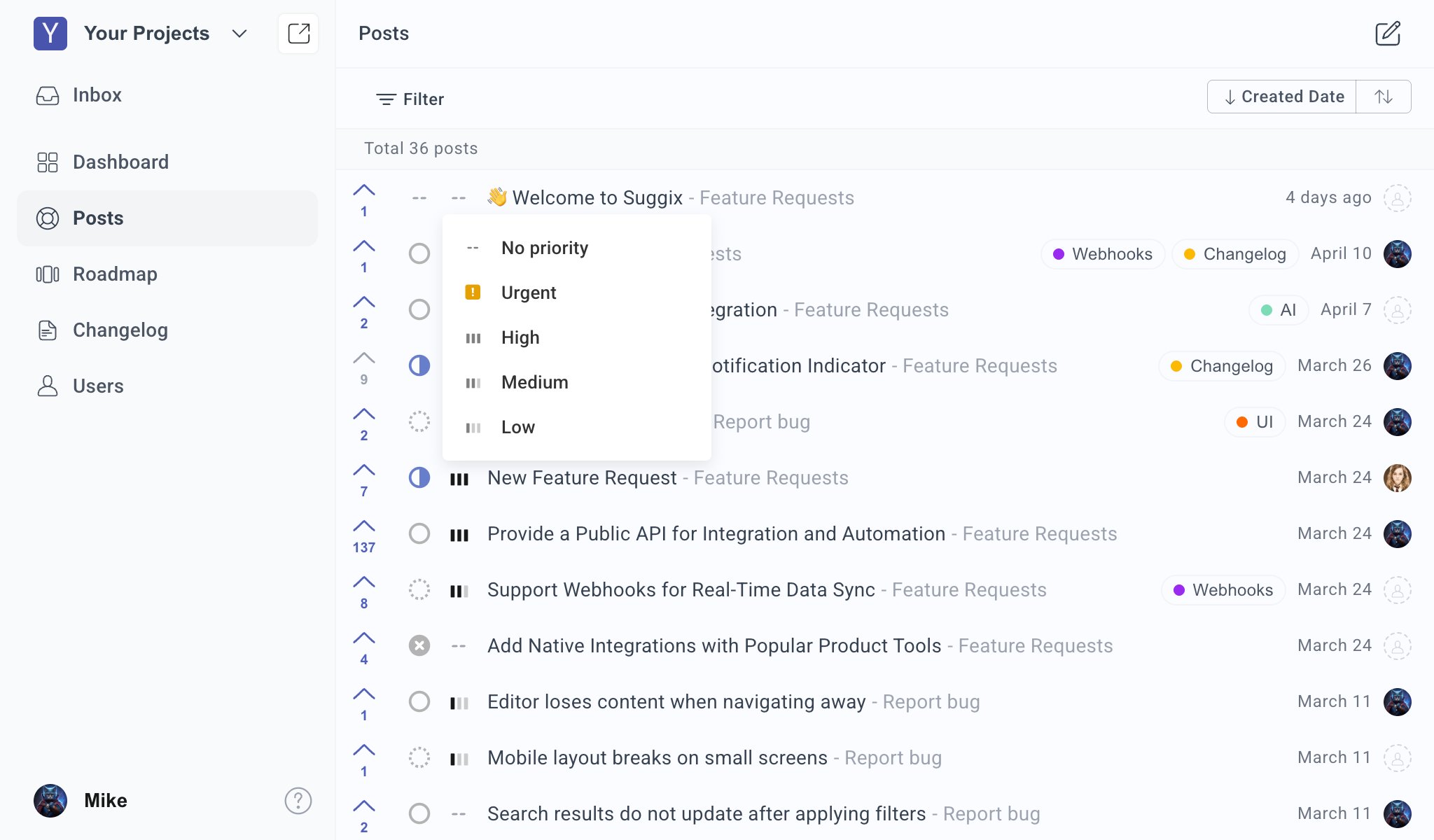
  • No priority
  • Urgent
  • High
  • Medium
  • Low
Priority is an internal planning signal. Combine it with votes, customer impact, effort, and strategy before deciding what to build.

Assign an owner

Assign an owner when a team member is responsible for reviewing or driving a post. Assign post owner from the posts list Available owner options include workspace members and No owner.
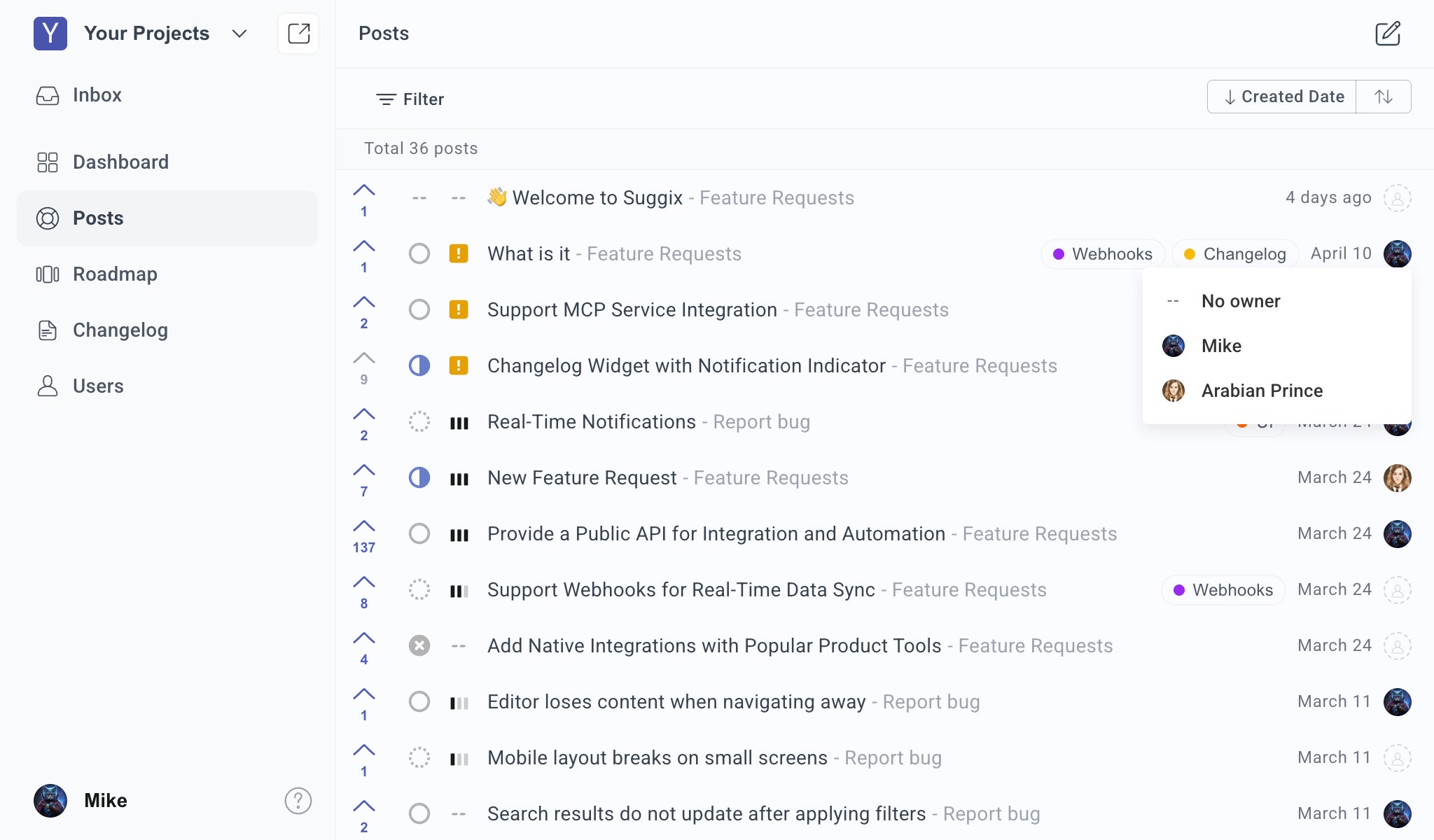
Owner information is intended for your team. It helps clarify responsibility without requiring public users to understand your internal workflow.

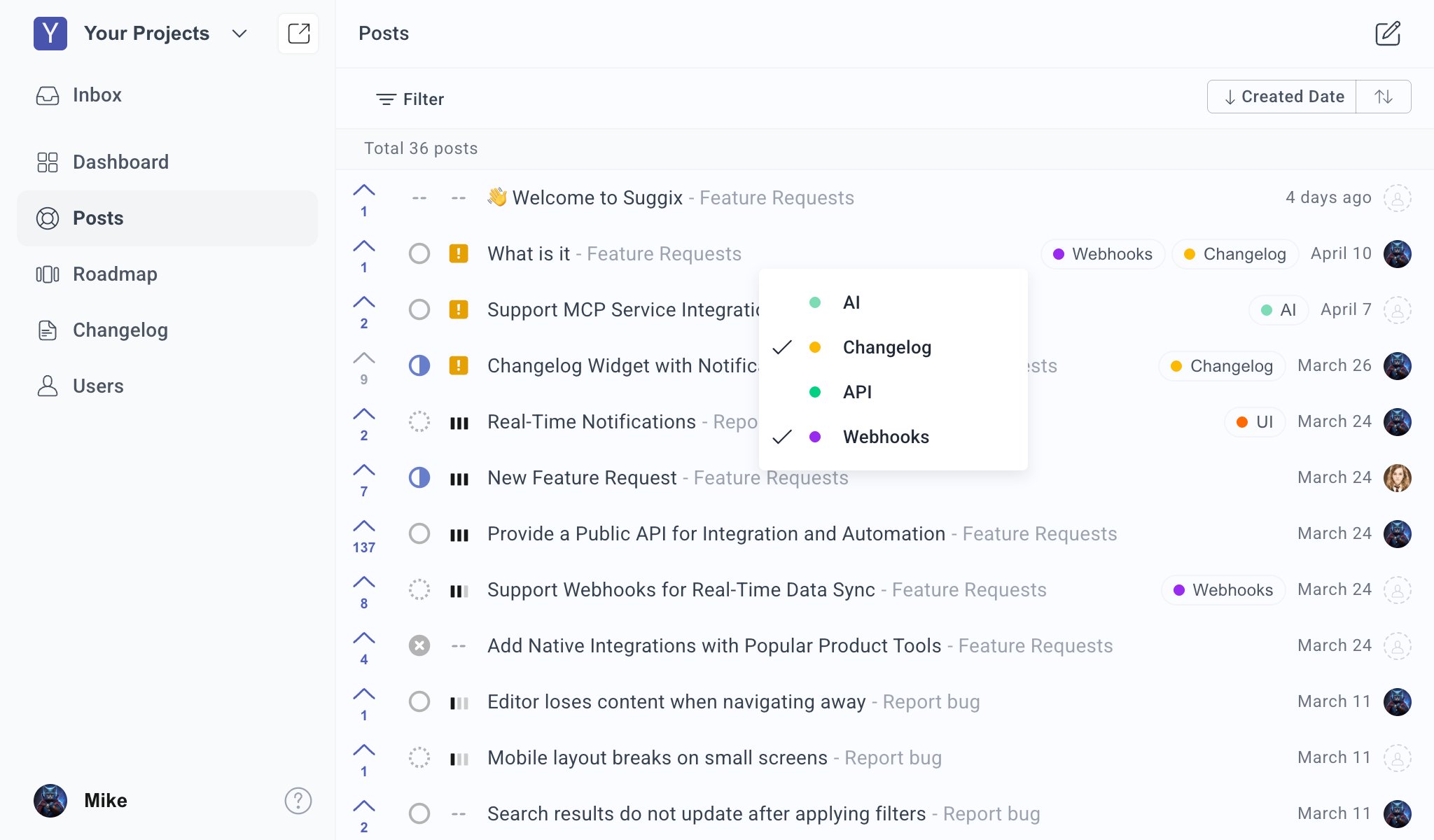
Apply tags

Tags help group related feedback across boards and workflows. Apply tags from the posts list Use tags for:
  • Product areas
  • Integrations
  • Customer segments
  • Themes
  • Release groups
Posts can have multiple tags, making it easier to filter and report on related feedback.

Review post details

Open a post to view full details, comments, voters, and actions. Post detail page in the Suggix dashboard The detail page includes:
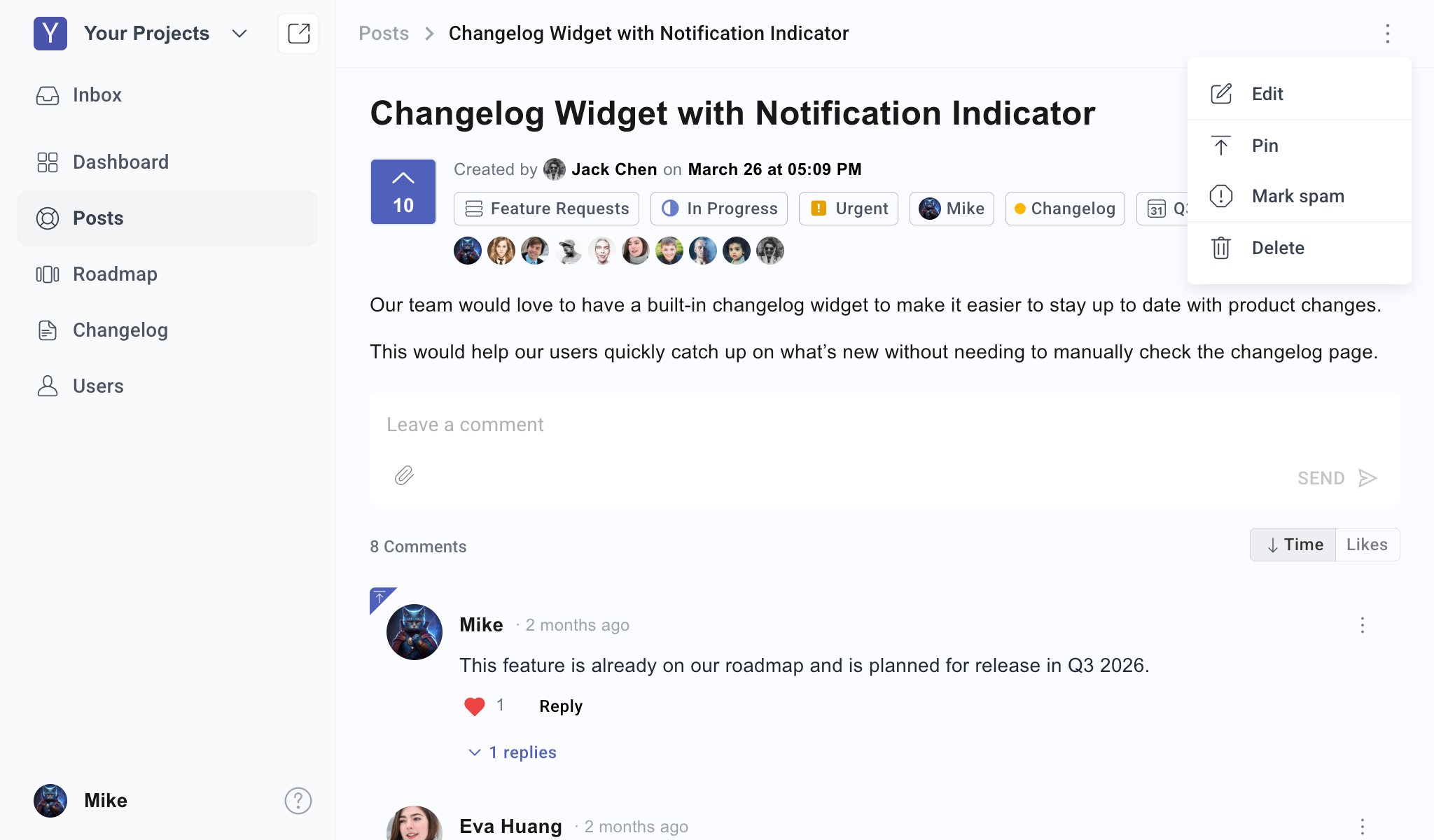
  • Title and full description
  • Vote count and voters
  • Board
  • Status
  • Priority
  • Owner
  • Tags
  • Due date
  • Comment thread
  • Comment sorting by time or likes
Use the more actions menu to:
  • Edit the post
  • Pin the post
  • Mark the post as spam
  • Delete the post
Delete posts only when they should be permanently removed. For unwanted submissions, marking spam may be a better first step.

Feedback Portal

Learn how users submit, vote on, and discuss feedback publicly.

Roadmap and Status

Turn managed feedback into roadmap progress.