

These settings affect how your workspace appears across the dashboard and public feedback portal.
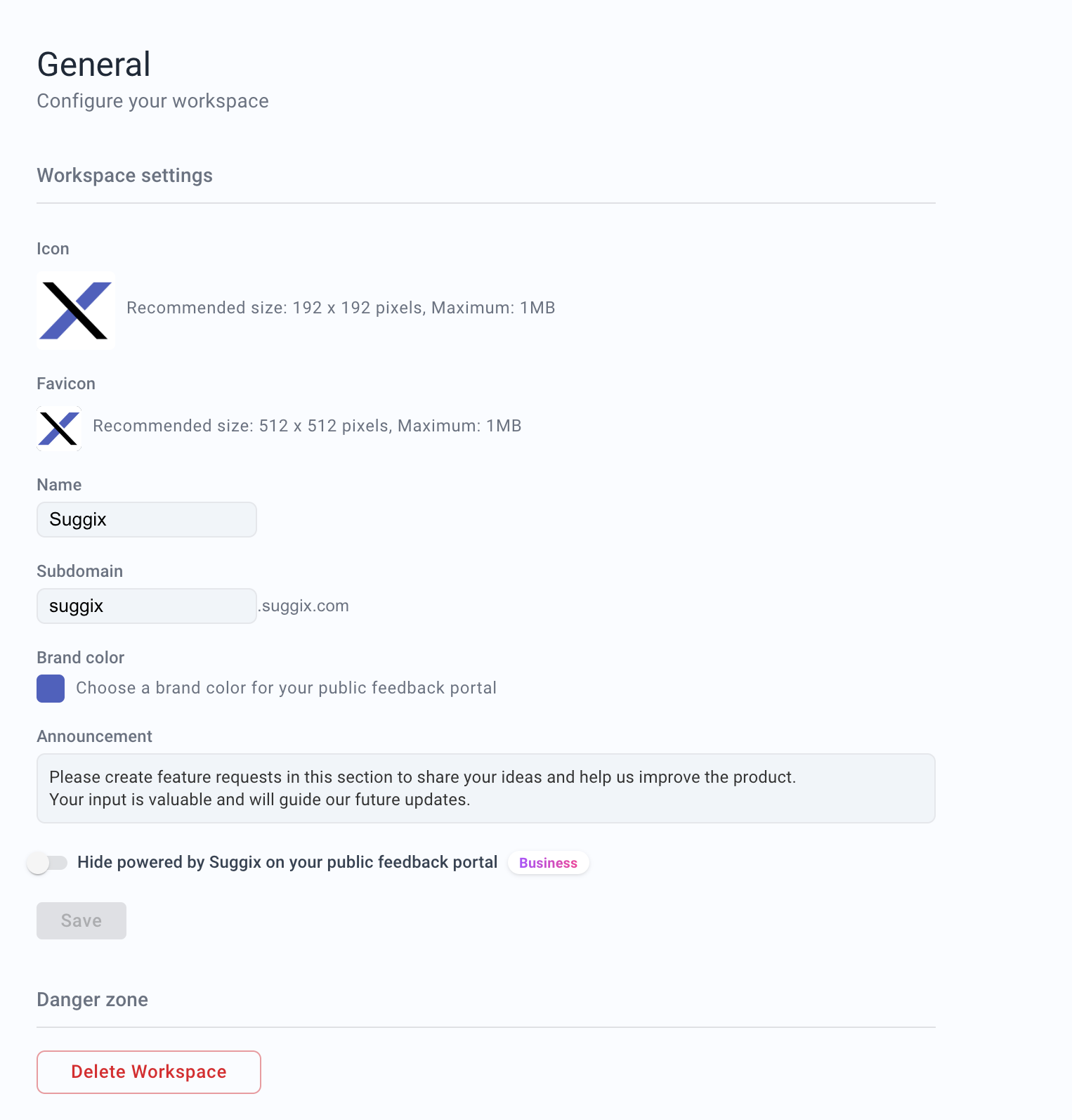
Properties
image
Workspace icon displayed in the dashboard, workspace switcher, and the header of your public feedback portal.
This icon is shown alongside the workspace name in the feedback site header.
- Recommended size:
192 × 192pixels - Maximum file size:
1MB
image
Favicon used in browser tabs for your public feedback portal.
- Recommended size:
512 × 512pixels - Maximum file size:
1MB
string
required
The display name of your workspace.This name appears in the dashboard, public feedback portal, and notifications.Example:
Suggixstring
required
The subdomain used for your public feedback portal.Your portal will be accessible at:
https://{subdomain}.suggix.comExample: suggixChanging the subdomain changes the public portal URL. Update any links in your product, help center, or emails after changing it.string
Primary brand color used on your public feedback portal.This color is applied to buttons, highlights, and key UI elements to match your brand identity.Example:
#5B6CFFstring
A public announcement displayed at the top of your feedback portal.Use this to share important messages, guidelines, or updates with your users.Example:
Please create feature requests in this section to share your ideas and help us improve the product.Public portal URL
Your workspace is available at:Branding checklist
Before sharing your portal publicly, confirm that:- The workspace name matches your product or company name.
- The icon and favicon are uploaded.
- The brand color has enough contrast for buttons and links.
- The announcement text gives users clear submission guidance.
- The public URL is correct.
boolean
Hide the Powered by Suggix branding on your public feedback portal.
Available on the Business plan only.Example:
falseDanger Zone
action
Permanently deletes the workspace and all associated data.⚠️ This action is irreversible.
All boards, posts, members, and settings will be permanently removed.
All boards, posts, members, and settings will be permanently removed.